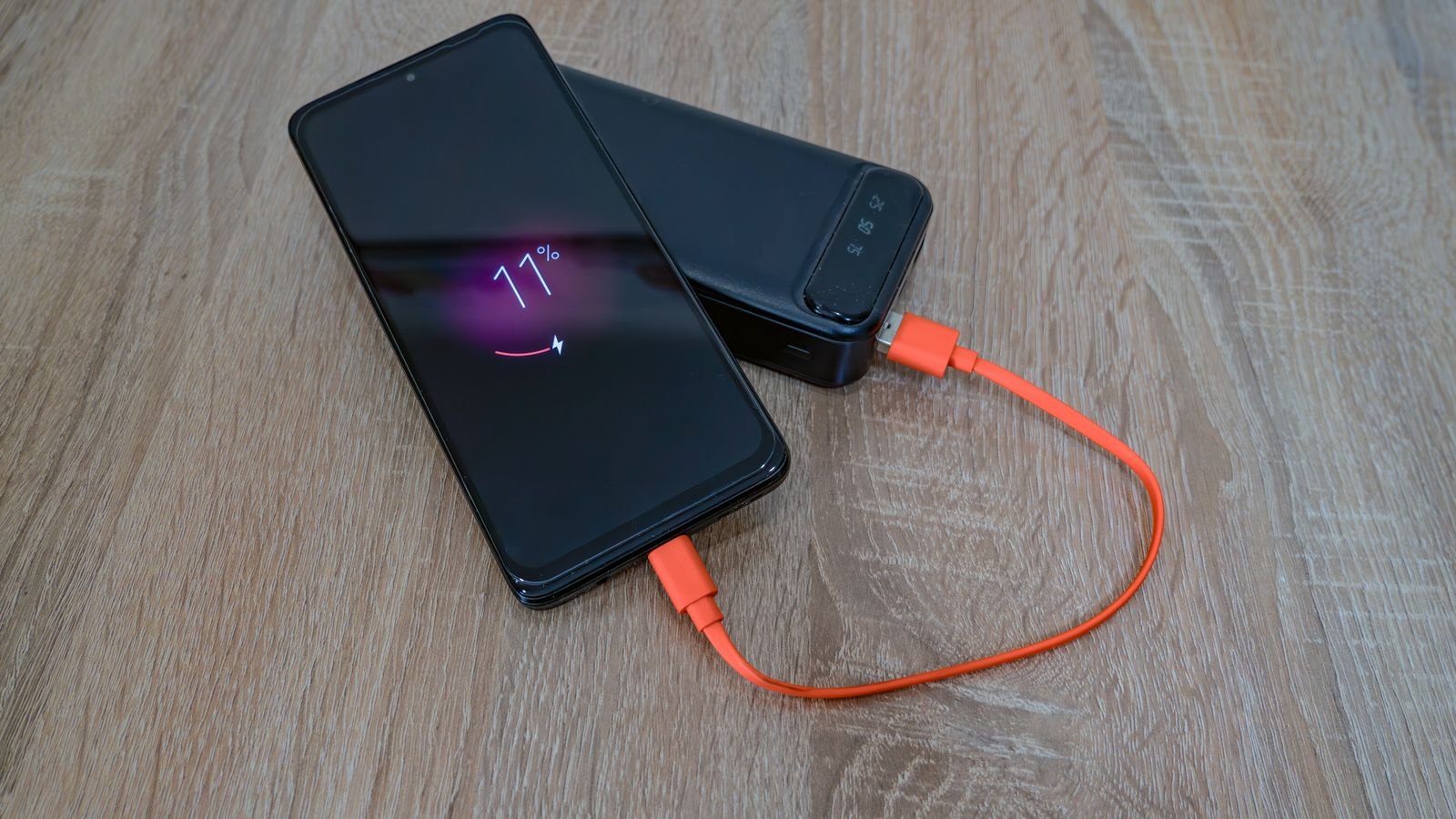
A phone does several jobs on a sightseeing day: navigation, photographs, tickets and messages. Running it close to empty can turn a simple return journey into a search for an outlet. A charging plan should cover those essential jobs without requiring you to carry a large collection of electronics.
Start the day with the phone charged and the battery in reasonable condition. Download maps or travel documents where the relevant apps support offline use, then check that they open without a connection. A saved screenshot can help with some information, but it may not replace a ticket that requires a live code or a specific app.
Remove avoidable drain
Use the phone's battery settings to see which functions consume power and follow its manufacturer's guidance. Adjust brightness to a comfortable level and stop unnecessary background activity. Do not disable a feature you rely on for accessibility or safety merely to extend battery life.
Keep the phone out of excessive heat and follow temperature warnings. Leaving it in direct sun while charging is not a sensible way to recover power during lunch. A shaded break can serve both you and the device better.
Choose one backup you understand
If carrying a power bank, test it with the correct cable before the trip. Keep the connection accessible without leaving cables stretched across a walking route or pulling tightly against a port. Follow the battery manufacturer's instructions, and inspect equipment for damage before use.
For flights, check the current airline and aviation rules separately; a power bank used during sightseeing still has baggage restrictions on the journey there and back. Do not assume every venue offers a usable outlet or that you can leave a charging phone unattended while looking around.
Keep the accommodation address and a way to contact your travel companions available beyond a single live app. A small written note can be enough for the address; it need not contain sensitive account details. This does not replace charging, but it makes a low battery less disruptive. The aim is to keep the phone available for the parts of the day that matter instead of spending the afternoon searching for somewhere to plug it in.